How to Get Your Website Mentioned by ChatGPT
To get your website mentioned by ChatGPT, you must make your pages easy for AI systems to understand, verify, and safely cite.
To get your website mentioned by ChatGPT, you must make your pages easy for AI systems to understand, verify, and safely cite.
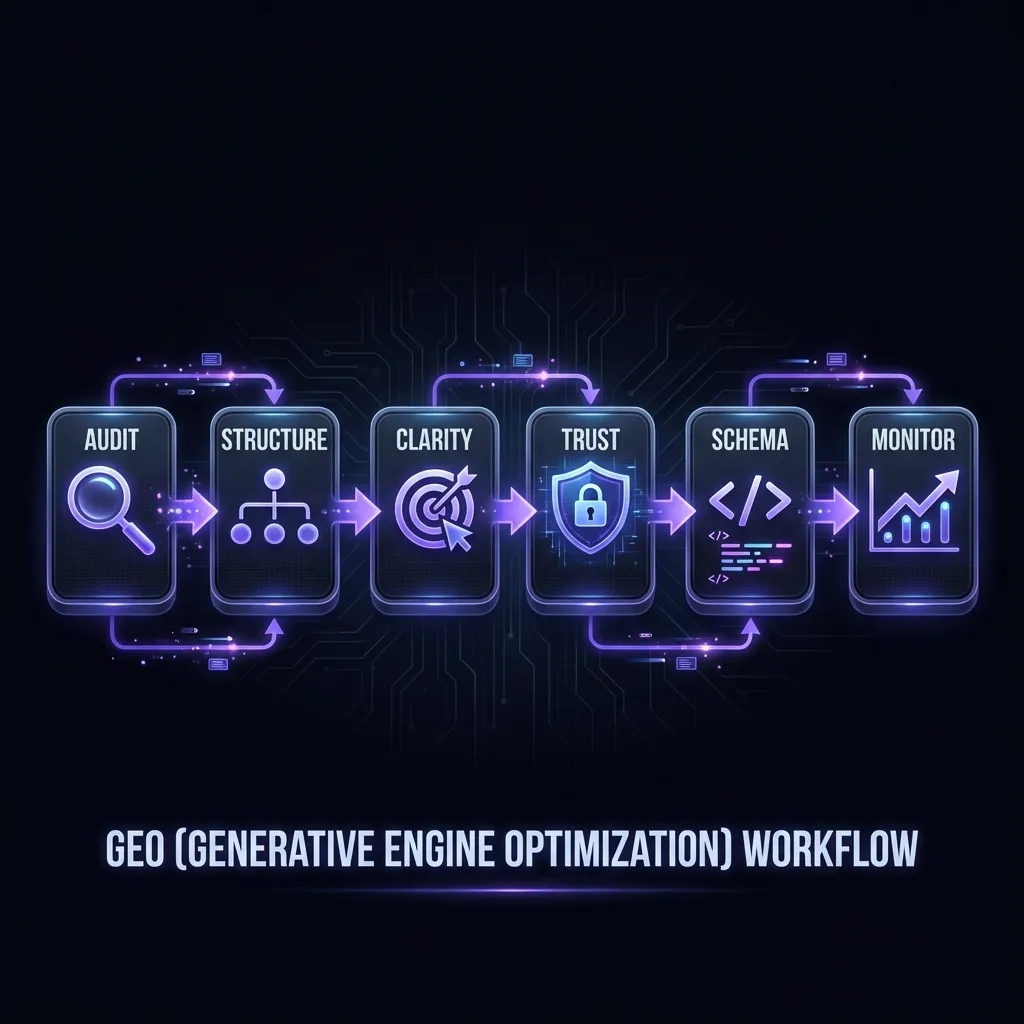
This requires GEO (Generative Engine Optimization)—structuring content so AI can extract accurate information without risking hallucinations or errors.
Want the quick version? Jump to the checklist →
Get Mentioned by AI: Quick Checklist
- Clear product definition in first 50 words
- Visible pricing (no "contact sales")
- Comparison pages for top competitors
- Trust signals: author, dates, About page
- Structured content with clear headings
- Consistent product name across all pages
What AI Needs Before It Can Mention You
AI systems evaluate content on four criteria before citing it in generated responses:
1. Clarity
Can the AI understand what the page is about?
2. Trust
Does the source have signals that make it safe to cite?
3. Extractability
Can the AI pull a clean, accurate quote?
4. Consistency
Does the information match the AI's existing knowledge?
If your content fails any of these tests, AI will either ignore it or risk generating incorrect information. The following steps address each requirement.
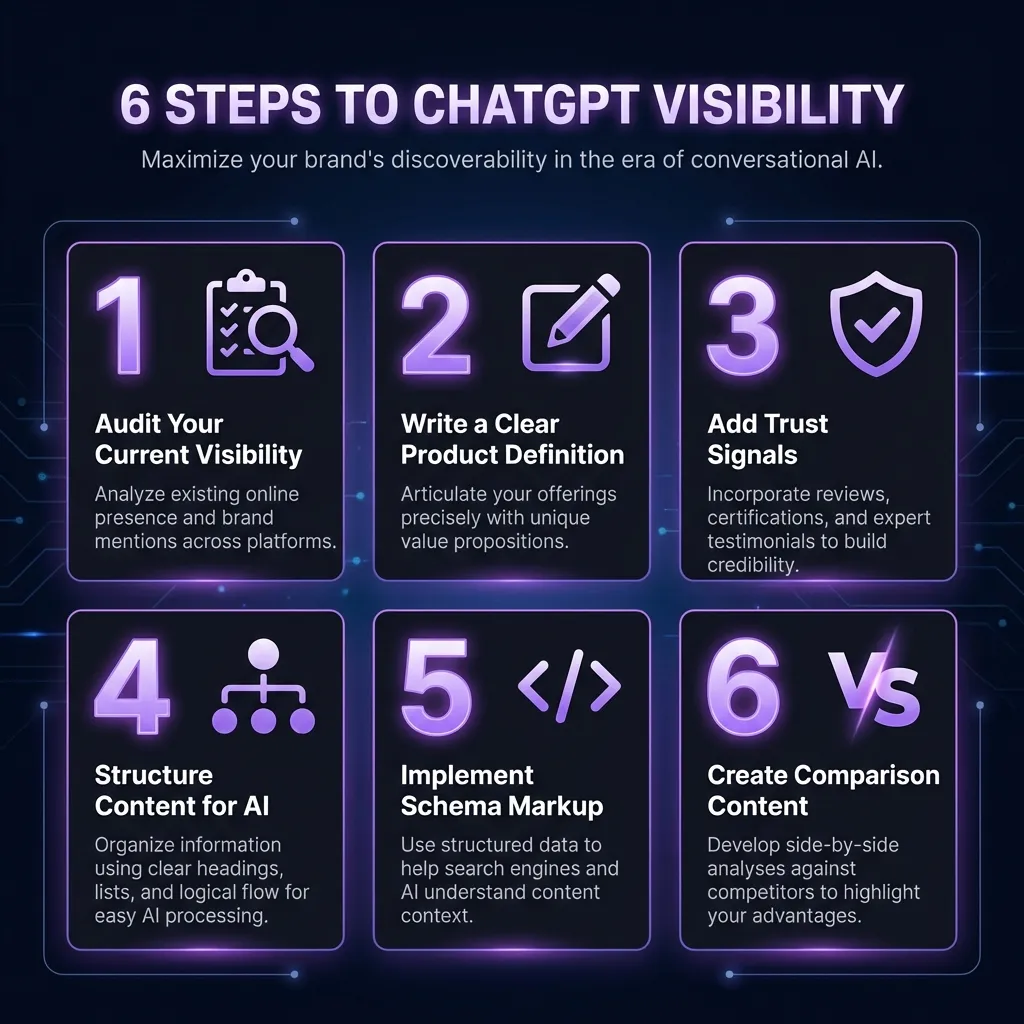
Step 1: Define What You Are
AI cannot recommend your product if it doesn't understand what it is. Your homepage must include a clear product definition in the first 50 words.
The definition must include:
- Product name
- Category (what type of product)
- What it does (primary function)
- Who it's for (target audience)
Bad - Marketing Speak
"Welcome to the future of productivity. Our innovative platform empowers teams to achieve more with less. Experience the difference today."
Good - Clear Definition
"Acme is a project management tool for remote teams. It includes task tracking, time logging, and team chat. Pricing starts at $10/month. Over 5,000 teams use Acme to manage projects."
This definition should appear:
- First paragraph of homepage
- First paragraph of About page
- Meta description
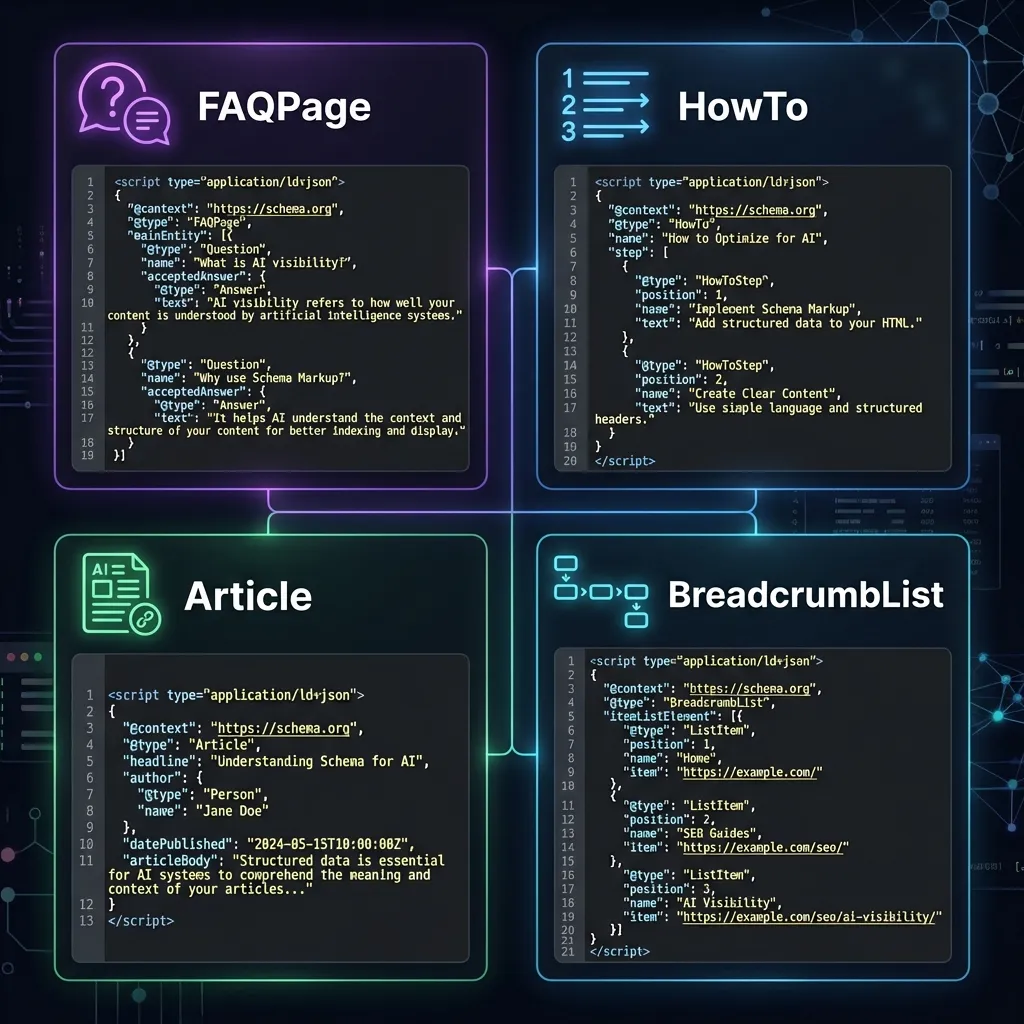
- Schema markup
![AI-quotable product definition formula template showing fill-in-the-blank format: [PRODUCT NAME] is a [CATEGORY] that helps [TARGET AUDIENCE] [ACHIEVE OUTCOME]. Pricing starts at [PRICE]. Bad example crossed out with marketing speak, good example highlighted with specific facts](/_next/image?url=%2Fimages%2Fproduct-definition-template.webp&w=2048&q=75&dpl=dpl_4x3NhrQh3hPqhtf7jwu8YG2FLhV1)
Step 2: Structure Your Content
AI parses content using heading hierarchy and document structure. Poor structure makes it impossible for AI to extract accurate information.
| Element | Requirement | Why It Matters |
|---|---|---|
| H1 | One per page | Tells AI the main topic |
| H2 | Major sections | AI uses these to navigate |
| H3 | Subsections | Provides detailed structure |
| Paragraphs | 2-3 sentences max | Easier to extract quotes |
| Lists | Use for 3+ items | AI extracts lists easily |
| Tables | Use for comparisons | AI extracts tabular data well |
Avoid these structural problems:
- Long paragraphs (over 4 sentences)
- Missing headings
- Headings that don't describe content
- Inconsistent heading hierarchy (H1 > H3 skipping H2)
Step 3: Show Your Pricing
"Contact sales for pricing" is a GEO failure. AI cannot recommend your product when users ask "How much does X cost?" if pricing is hidden.
Users ask AI pricing questions constantly:
- "How much does [Product] cost?"
- "What's the cheapest [category] tool?"
- "Is [Product] free?"
- "Does [Product] have a free tier?"
Required
- All prices visible
- Clear plan names and tiers
- What's included in each plan
- Free tier or trial clearly stated
- Annual vs monthly pricing shown
Avoid
- "Contact sales for pricing"
- Hidden pricing behind forms
- Pricing only visible after signup
- Vague pricing ("starting at...")
Step 4: Create Comparison Content
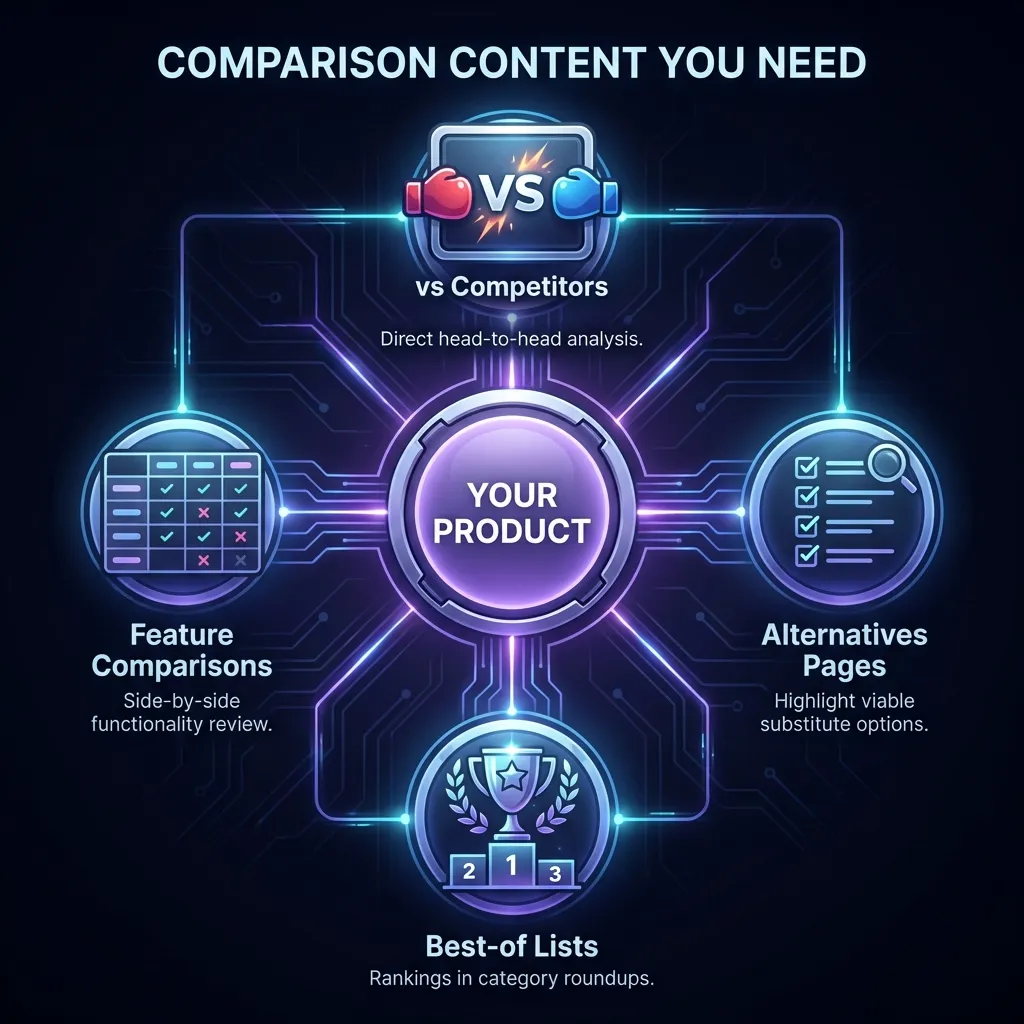
When users ask AI "What's the best [category]?" or "[Product] vs [Competitor]?", AI looks for comparison content to answer.
If you have no comparison pages, AI uses your competitors' content instead.
| Type | Example URL | Purpose |
|---|---|---|
| Vs pages | /your-product-vs-competitor | Answer direct comparisons |
| Alternative pages | /competitor-alternatives | Capture users leaving competitors |
| Best-of pages | /best-category-tools | Appear in category recommendations |
| Feature comparisons | /compare/features | Detailed feature breakdowns |
Comparison page rules:
- Be honest about competitor strengths
- Include specific facts, not opinions
- Show pricing for both products
- Update when competitors change
- Use comparison tables
Step 5: Add Trust Signals
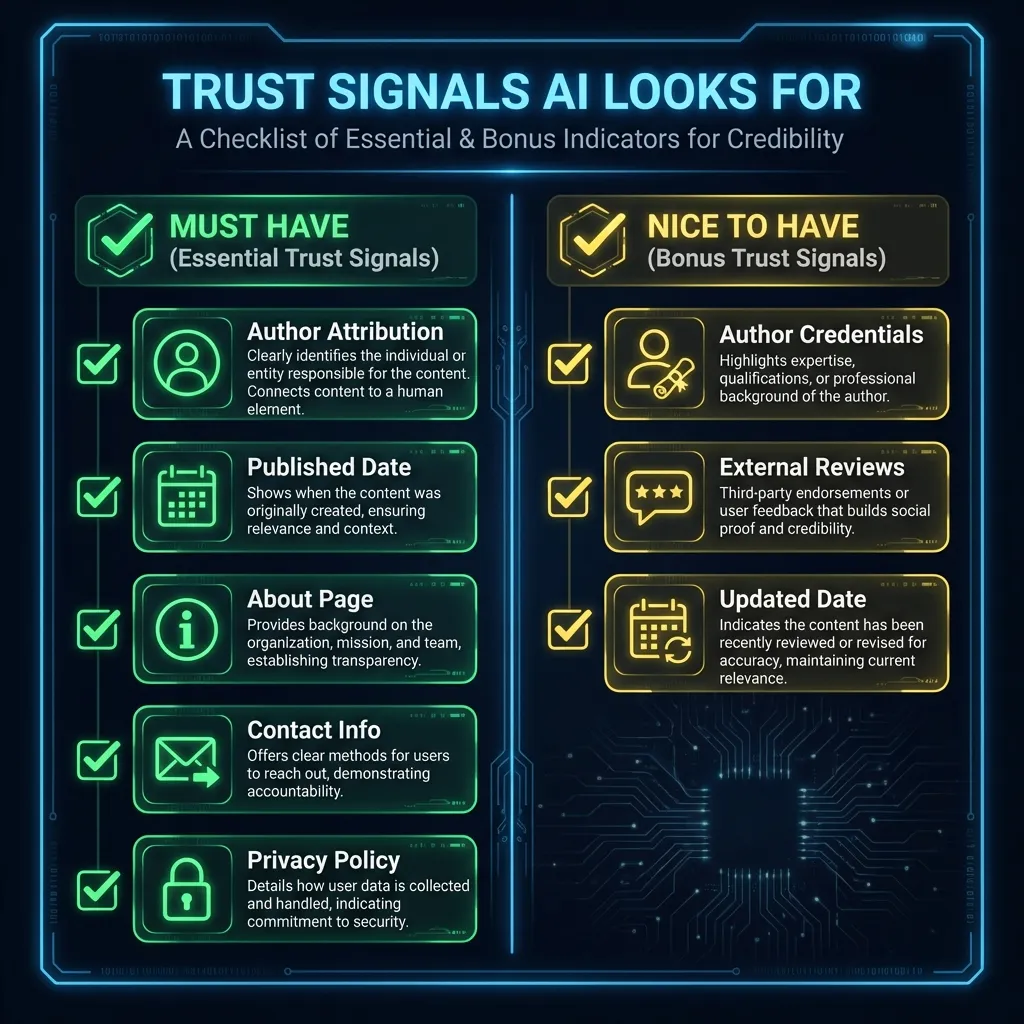
AI systems evaluate source trustworthiness before citing. Trust signals tell AI that your content is safe to recommend.
Author Signals
- Author name on content
- Author credentials/bio
- Author photo
- Link to other content
Company Signals
- About page with team info
- Real office address
- Contact information
- Founded date
Content Signals
- Published date
- Updated date
- Sources cited
- Data sources listed
External Signals
- Reviews on G2/Capterra
- Customer testimonials
- Press mentions
- Social proof
Step 6: Audit Your AI Visibility
After implementing the above steps, audit your website to identify remaining issues.
Ask these questions to ChatGPT, Perplexity, and Claude:
- "What is [Your Product]?"
- "How much does [Your Product] cost?"
- "What's the best [Your Category] tool?"
- "[Your Product] vs [Competitor]?"
If answers are wrong, missing, or cite competitors instead of you, further optimization is needed.
Complete GEO Checklist
Use this checklist before publishing any page. Verify each item.
Product Definition
- Product name in first sentence
- Category stated clearly
- What it does explained
- Who it's for specified
- All above within first 50 words
Content Structure
- One H1 per page
- H2s for major sections
- Paragraphs under 3 sentences
- Lists for 3+ items
- Tables for comparisons
Pricing
- All prices visible
- Plan tiers listed
- Features per plan listed
- Free tier/trial mentioned
- No "contact sales" for standard plans
Trust Signals
- Author name on articles
- Published/updated dates
- About page exists
- Contact information visible
- Privacy policy linked
Sources and Further Reading
This guide is based on official documentation and research:
- OpenAI: ChatGPT Browsing — How ChatGPT retrieves and processes web content
- Google: Structured Data Guidelines — Official schema markup documentation
- Google: Creating Helpful Content — Content quality guidelines applicable to AI visibility
- Google: AI in Search — How Google integrates AI into search results
Frequently Asked Questions
Some improvements can appear within days as AI systems update their knowledge. Structural changes like clear definitions and pricing can have immediate impact. Building comparison content and trust signals takes weeks to months.
ChatGPT has a knowledge cutoff and does not browse the web in real-time during most conversations. However, some AI systems like Perplexity and Google AI Overviews do retrieve current web content, making GEO optimization immediately impactful for those platforms.
No. There is no advertising or paid placement in ChatGPT responses. Visibility depends on content quality, structure, and trust signals—not payment.
SEO optimizes for search engine rankings. GEO (Generative Engine Optimization) optimizes for AI-generated answers. A page can rank #1 on Google but be ignored by ChatGPT if it lacks clear structure and trust signals.
Usually yes. Most websites need structural changes, clearer definitions, and additional trust signals. The required changes depend on your current content quality—a GEO audit identifies specific fixes needed.
GEO improves visibility in ChatGPT, Google AI Overviews, Perplexity, Claude, Microsoft Copilot, and other AI systems that generate responses from web content.
Related Resources
The 60-Second AI Visibility Check
7 yes-or-no questions that predict whether AI will cite your page. Score yourself.
Read more3 Things to Fix Before AI Will Ever Cite Your Page
The three most common blockers — robots.txt, answer structure, schema — with fixes
Read moreWhy ChatGPT Doesn't Mention Your Website
7 reasons AI ignores your content
Read more