How to Get Into Google AI Overviews
To get into Google AI Overviews, your content must provide clear, direct answers that AI can safely extract and cite. This requires specific page structure, answer clarity, trust signals, and schema markup.
To get into Google AI Overviews, your content must provide clear, direct answers that AI can safely extract and cite. This requires specific page structure, answer clarity, trust signals, and schema markup.
This checklist covers every requirement.
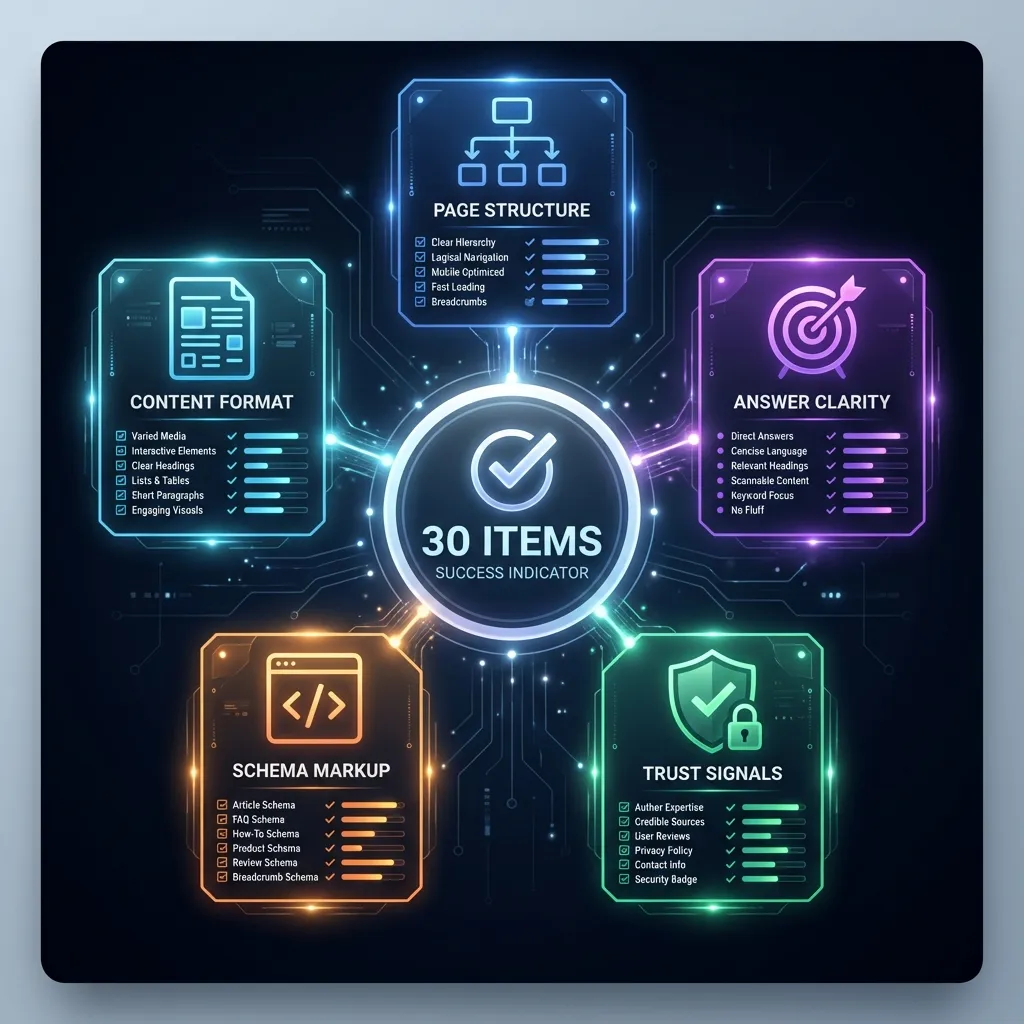
Quick Summary
AI Overviews select content based on clarity and extractability. Use this checklist to ensure your pages meet every criterion AI looks for when selecting sources to cite.
⚡ Quick Wins (Do Today)
- Put your answer in the first 40-60 words
- Add a clear definition sentence
- Add author byline + published date
- Include one comparison table or checklist
- Add FAQPage schema for Q&A sections
Want to see the complete checklist? Start with page structure →
Page Structure Checklist
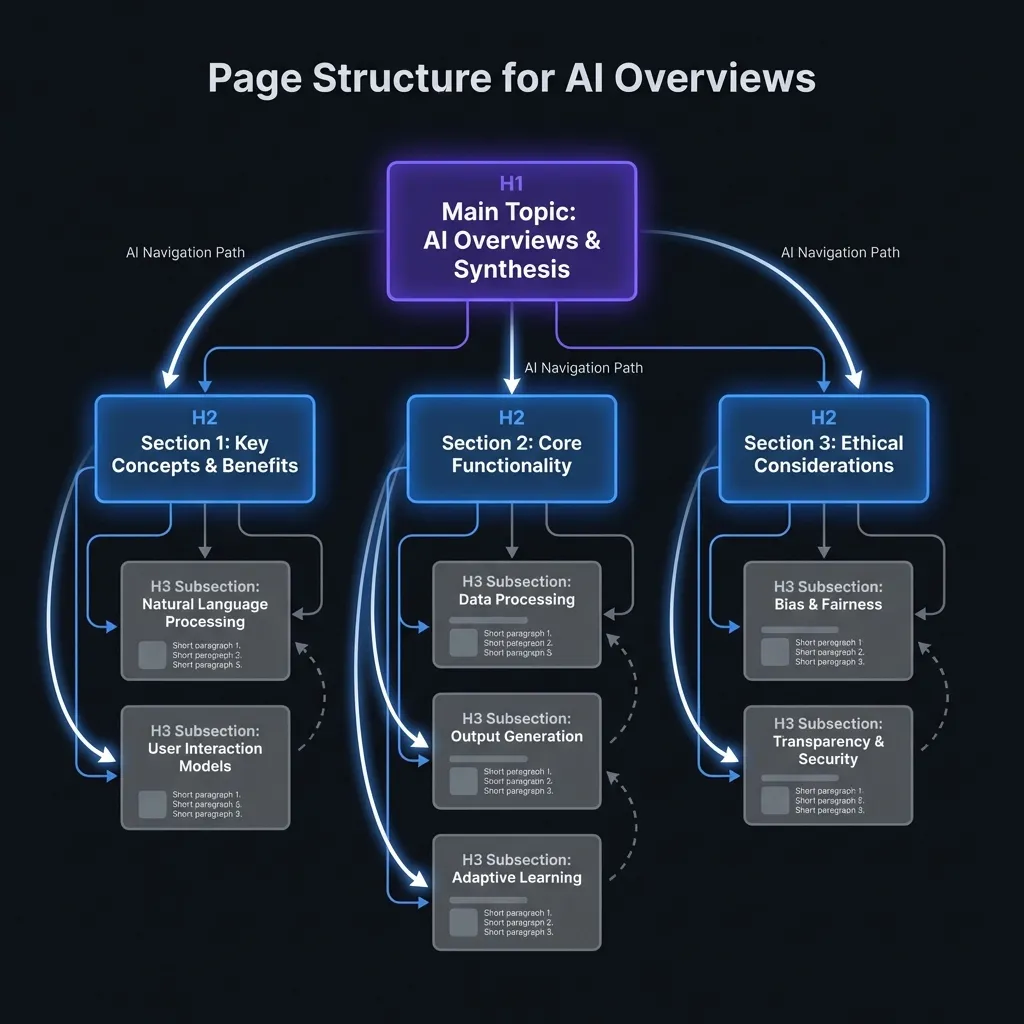
Proper page structure helps AI parse and understand your content:
One H1 that matches search intent
The H1 should directly reflect what users are searching for
H2s for each major section
AI uses H2s to navigate and understand content organization
Short paragraphs (2-3 sentences)
Shorter paragraphs are easier to extract and quote
Bullet points for lists
Lists with 3+ items should use bullet points
Tables for comparisons
AI extracts tabular data efficiently
Clear hierarchy (H1 > H2 > H3)
Never skip heading levels
Answer Clarity Checklist
Clear, direct answers increase your chances of being cited:
Direct answer in first paragraph
Don't bury the answer - put it first
Answer is under 50 words
Concise answers are easier to quote
Uses factual language (not marketing)
Facts can be cited; marketing fluff cannot
Answer can be quoted directly
Test: Can AI lift this sentence as-is?
No hedging language ("might," "could")
Confident statements work better for AI
Specific numbers when relevant
"$29/month" is better than "affordable pricing"
Trust Signals Checklist
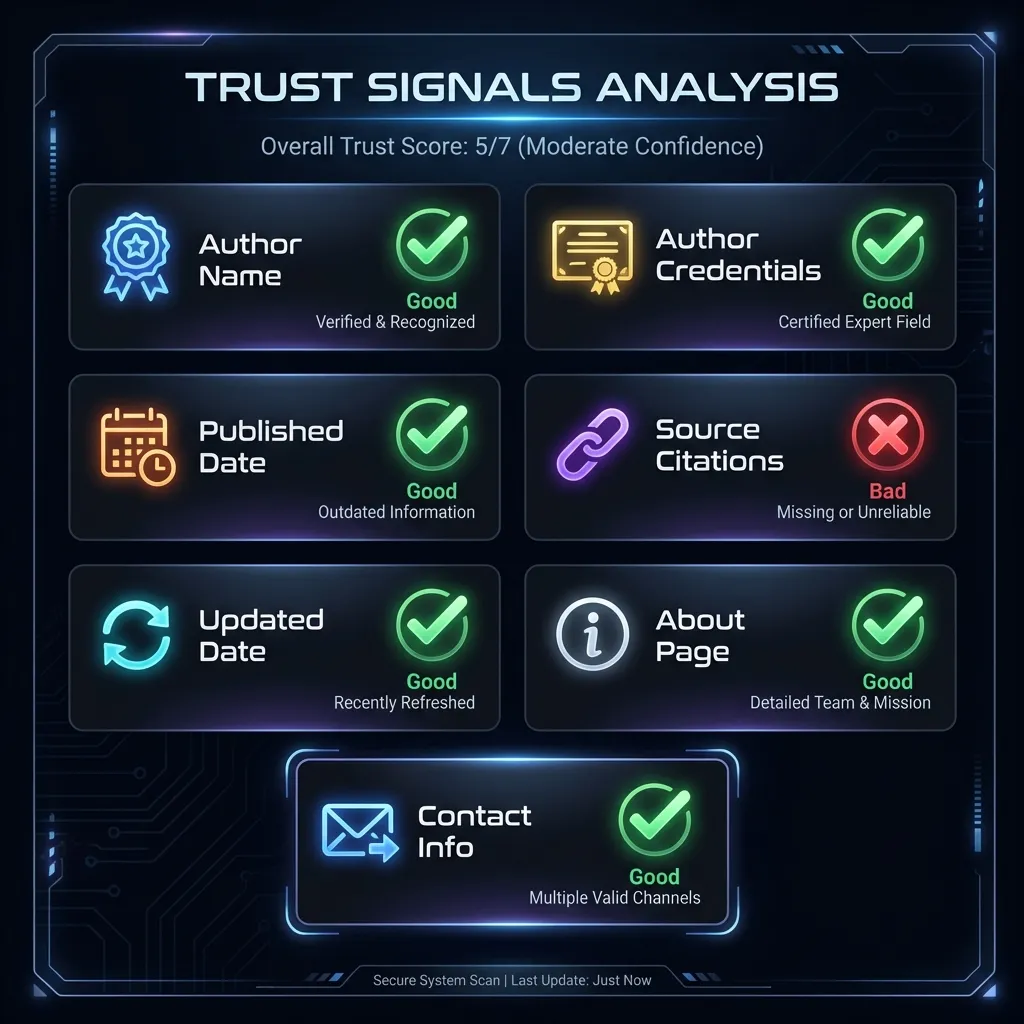
Trust signals help AI verify your content is reliable:
Author name on content
Real names, not "Admin" or "Staff"
Author credentials visible
Brief bio showing expertise
Published date displayed
Shows when content was created
Updated date displayed
Shows content is maintained
Sources cited for claims
Link to primary sources for facts
About page exists
Company information available
Contact information available
Real way to reach the company
Schema Markup Checklist
Schema markup helps Google understand your content type:
FAQPage schema on FAQ sections
Mark up question-answer content
HowTo schema on tutorial content
Mark up step-by-step guides
Article schema on editorial content
Mark up blog posts and articles
Organization schema on homepage
Company information markup
BreadcrumbList on all pages
Navigation structure markup
Schema validates without errors
Test in Google's Rich Results Test
Content Format Checklist
The right content format improves extractability:
Questions answered in content
Match common user queries
Definitions are standalone sentences
"X is Y" format works best
Steps are numbered
Clear sequence for how-to content
Comparisons use tables
Structured data is easier to extract
No jargon without explanation
Define technical terms
Testing Your Content
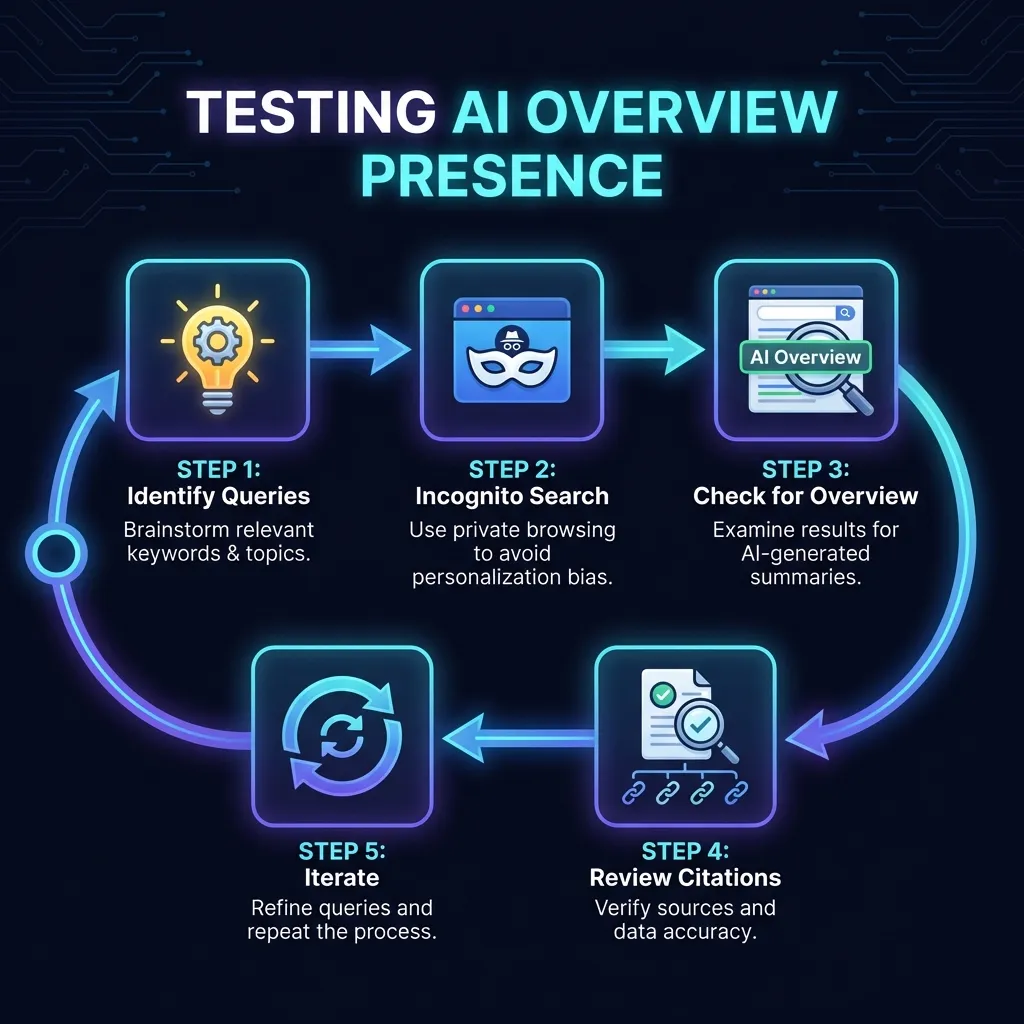
After optimizing, test to see if your content appears:
- 1
Identify target queries
List questions your content should answer
- 2
Search in incognito mode
Avoid personalization affecting results
- 3
Check for AI Overview
Look for the AI-generated box at the top
- 4
Review citations
See if your page is listed as a source
- 5
Iterate and improve
Refine content based on results
Sources and Documentation
This checklist is based on official Google documentation and observed patterns:
- Google: AI Overviews in Search — Official Google announcement of AI Overviews
- Google: Creating Helpful Content — Content quality guidelines relevant to AI selection
- Google: FAQPage Schema — Schema markup documentation for FAQ content
- Google: HowTo Schema — Schema markup documentation for tutorial content
Frequently Asked Questions
Search for queries your content should answer. If an AI Overview appears and cites your page, you're included. Test multiple relevant queries as AI Overviews don't appear for all searches.
There's no guaranteed timeframe. Some optimized content appears within days of being indexed, while other content may take longer. Focus on meeting all checklist criteria for best results.
No. Google's AI decides which sources to include. You can only optimize your content to be more likely to be selected by meeting the criteria AI looks for.
Not necessarily all, but more is better. Page structure and answer clarity are the most critical. Trust signals and schema markup improve your chances significantly.
Ensure your content is clearly written and unambiguous. If AI is extracting incorrect quotes, your content structure or wording may need improvement.
Create content that answers questions clearly and directly. Content designed for AI Overviews is also better for users, so it's a good practice regardless.
Related Resources
The 60-Second AI Visibility Check
7 yes-or-no questions to check if your page is AI-citable. Score yourself in 60 seconds.
Read moreBest Google AI Overviews Tools 2026
12 tools for tracking and optimizing your presence in AI Overviews — ranked and priced
Read moreGoogle AI Overviews SEO
How Google selects sources for AI Overviews
Read more